Managing projects in a small team comes with its own rhythm. You don’t need enterprise-grade complexity — you need something lean, fast, and easy for everyone to adopt. That’s where lightweight Kanban tools come in.
Kanban helps visualize workflows, track tasks, and keep priorities aligned. But for teams of 5–15 users, choosing the right tool is about balance — flexibility without clutter, automation without overkill.
Let’s explore what makes a Kanban tool “lightweight,” the top features to look for, and why ProjectoHub might just be the best match for your small team.
What Makes a Kanban Tool Lightweight?
A lightweight Kanban tool isn’t about having fewer features — it’s about simplicity with impact.
Here’s what sets them apart:
-
Quick setup: No long onboarding or training sessions.
-
Visual clarity: Tasks are easy to follow and track on clean Kanban boards.
-
Speed and responsiveness: Everything loads fast, even with multiple projects.
-
Team-friendly design: Everyone can use it, not just project managers.
-
Affordable pricing: Perfect for small teams that don’t want to overspend.
Lightweight tools cut through the noise and help your team get straight to execution.
Top Features to Look For in Small-Team Kanban Tools
Before choosing a Kanban platform, here’s what your 5–15 person team should prioritize:
-
Task Creation & Assignment
You should be able to create, assign, and update tasks in seconds. No complicated forms. -
Custom Workflows
Every team has a unique process — from marketing campaigns to software sprints. Look for flexible boards that can adapt to your workflow. -
Real-Time Collaboration
Team members should be able to comment, share files, and tag each other directly within tasks. -
Progress Tracking & Status Updates
A quick glance should show what’s pending, in progress, or completed. -
Scalability
As your team grows, your tool should grow with you — adding users, boards, or integrations without performance issues.
Why ProjectoHub Fits Perfectly for Small Teams
ProjectoHub was built exactly with small teams in mind — simple enough for anyone to use, yet powerful enough to manage complex workflows.
Here’s how it delivers:
1. Visual Kanban Boards
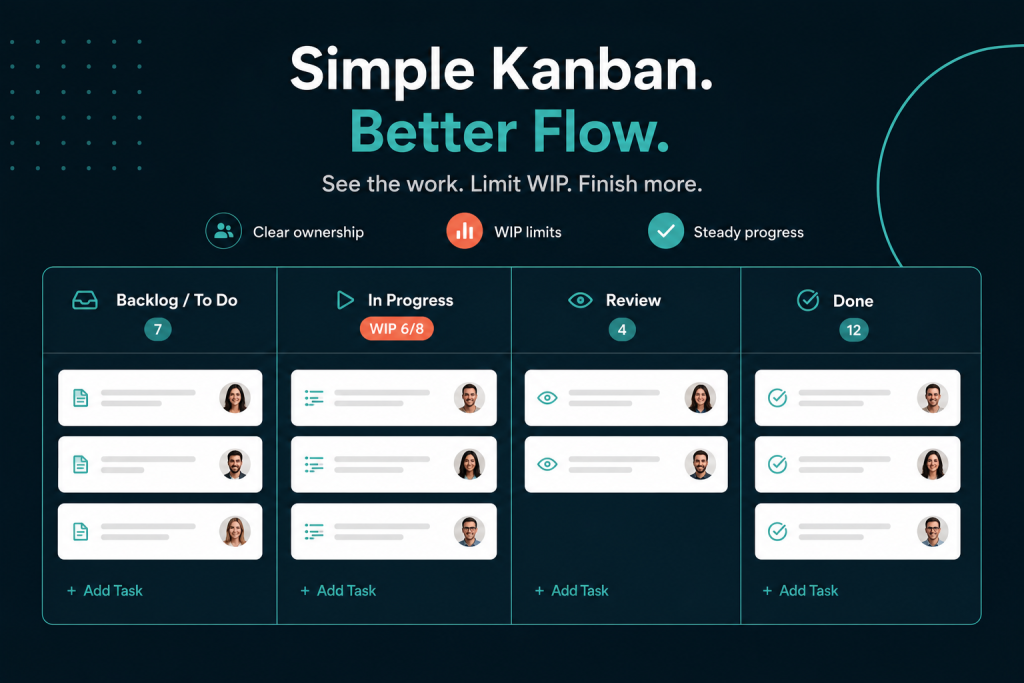
Every project in ProjectoHub is organized into customizable Kanban boards. Whether you’re handling client campaigns or internal tasks, you can easily drag and drop tasks through stages like To-Do, In Progress, and Done.
2. Effortless Task Management
You can assign team members, set due dates, and prioritize tasks — all from a single interface. No confusion, no clutter.
3. Real-Time Collaboration
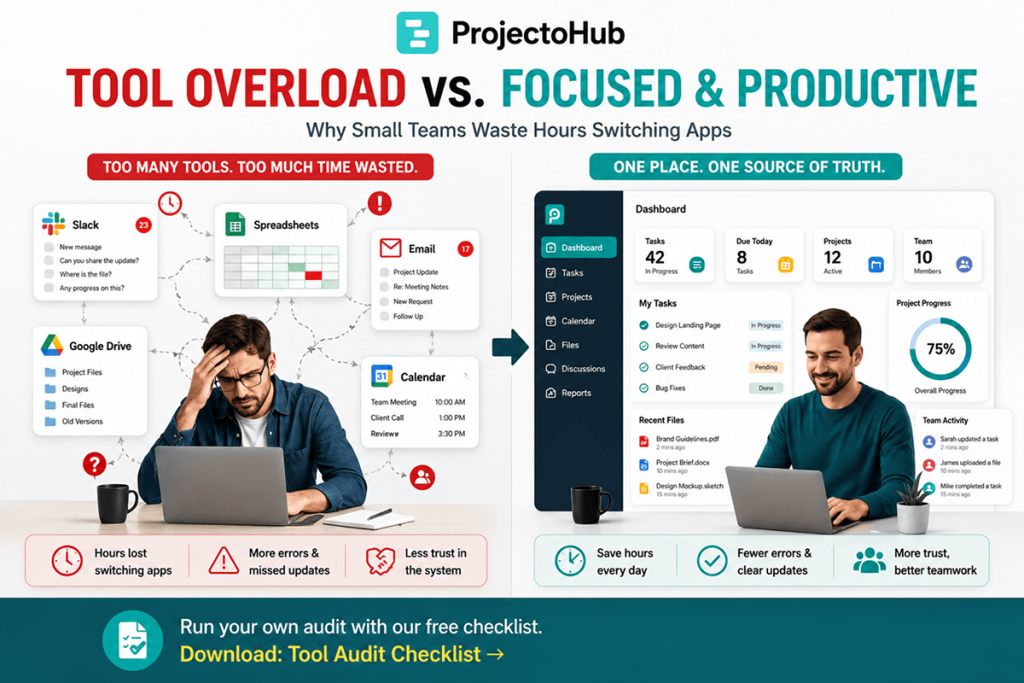
Teams can communicate directly under each task, attach files, and leave comments. This eliminates scattered conversations across email or chat apps.
4. Affordable for Small Businesses
ProjectoHub’s basic plan starts at just $4.99/month for up to five users, with a free first-month trial. It’s a smart choice for startups, freelancers, and marketing teams that want power without high costs.
5. Scalable for Growth
As your team expands, ProjectoHub scales easily. Add new boards, invite members, and manage multiple projects without losing speed or clarity.
Best Lightweight Kanban Tools in 2025
Here are a few tools small teams love for their clean interfaces and simplicity:
| Tool | Best For | Starting Price |
|---|---|---|
| ProjectoHub | Small teams and agencies need simple collaboration | $4.99/month |
| Trello | Beginners wanting visual task management | Free plan available |
| ClickUp | Teams that want more automation | Free + paid tiers |
| Notion | Teams blending docs and tasks | Free + paid |
| Asana | Teams needing more reporting tools | Paid plans only |
Each has strengths, but ProjectoHub hits the sweet spot for teams that want structure and speed without overwhelming features.
How Lightweight Kanban Tools Improve Team Efficiency
Small teams thrive on clarity and communication. A tool like ProjectoHub ensures every team member knows:
-
What needs to be done
-
Who’s responsible
-
When it’s due
-
How is progress moving
This transparency helps eliminate miscommunication, missed deadlines, and burnout. Plus, the visual flow of Kanban helps everyone stay motivated as they watch tasks move to completion.
Tips to Get the Most Out of Your Kanban Tool
-
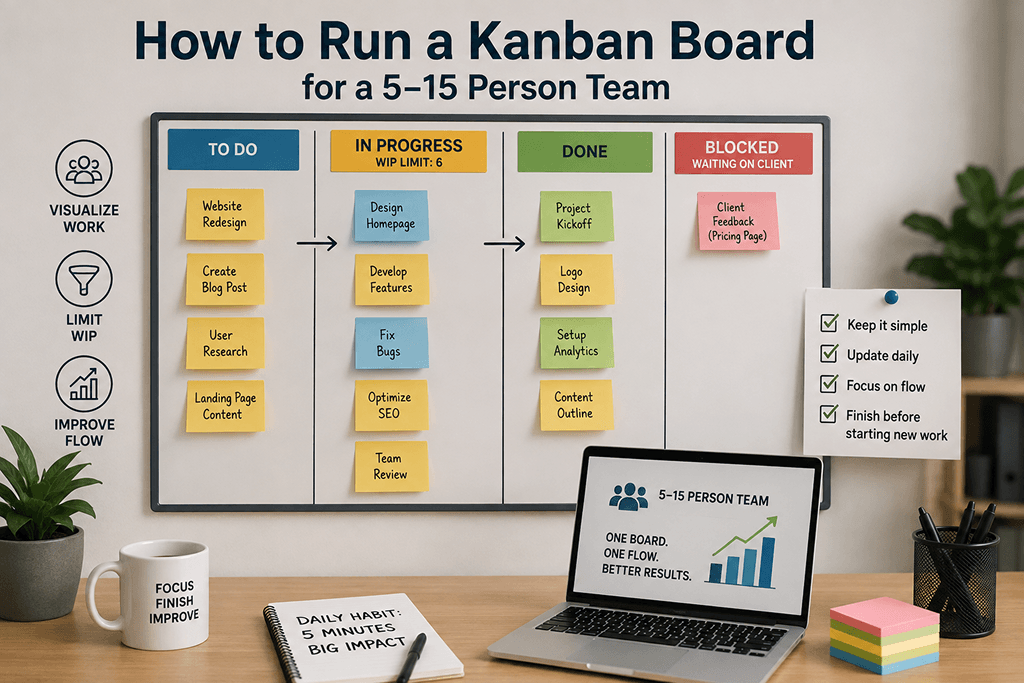
Keep your columns simple — start with To-Do, Doing, Done.
-
Review your board daily to spot bottlenecks early.
-
Assign clear ownership for each task.
-
Use color labels or tags to organize by priority or client.
-
Review completed tasks weekly for continuous improvement.
With tools like ProjectoHub, these best practices become second nature thanks to its intuitive design.
Final Thoughts
Choosing a Kanban tool isn’t about how many features it has — it’s about how quickly your team can adapt to it.
ProjectoHub combines simplicity, collaboration, and scalability in one place. Whether you’re managing clients, marketing campaigns, or internal operations, it’s the perfect companion for teams of 5–15 users who want to stay productive without getting overwhelmed.
FAQs
Q1. What is the best Kanban tool for small teams?
For teams of 5–15 people, ProjectoHub offers the ideal balance of simplicity, affordability, and power.
Q2. Can small businesses use ProjectoHub for free?
Yes, ProjectoHub offers a free 30-day trial so teams can explore before subscribing.
Q3. How does ProjectoHub compare to Trello or Asana?
While Trello and Asana are great, ProjectoHub is designed to be lighter, faster, and easier to scale for growing small teams.
Q4. Is ProjectoHub suitable for marketing agencies or freelancers?
Absolutely. Many of our clients are small creative or marketing teams that need simple task tracking and collaboration.